

The Mac terminal for working with AI agents
Run several AI agents side by side in one window. Claude Code, Codex and any other CLI agent work together on your Mac.
Free during beta macOS 14 or later · Apple Silicon
Three reasons to switch
Each one shown in the app itself.
Use what you copy as it is
Select an agent's reply and press ⌘C. Headings, tables and lists arrive in Notion, Google Docs or Pages as real ones, not as lines of characters.
Room for several agents
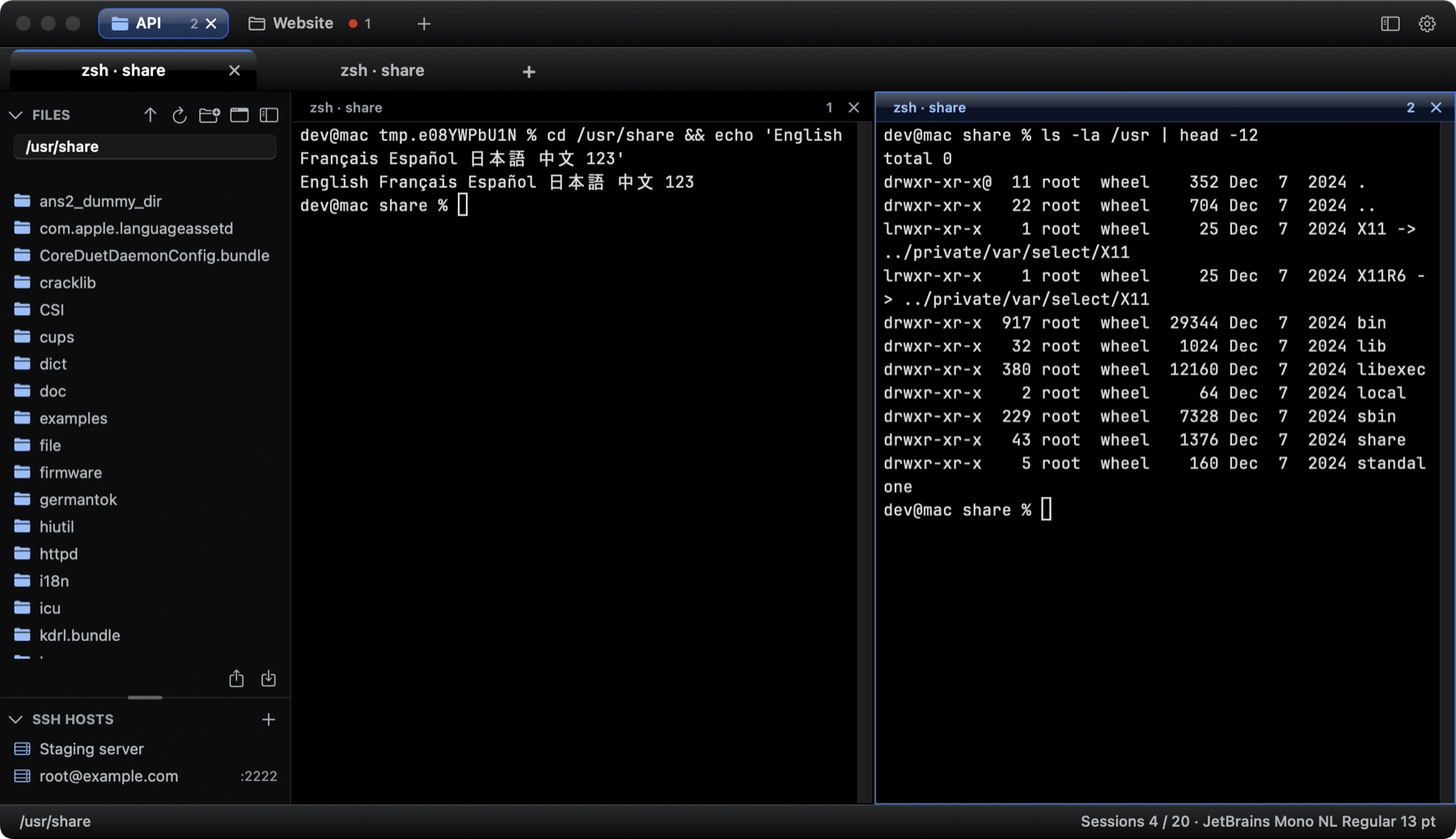
Split a tab into as many as four panes, keep projects apart in workspaces, and see a dot when another workspace has news.
Make it yours
Six themes from pure black to warm paper, panes you drag where you want them, and a click on the top bar followed by ⌘ and an arrow to put the window on half the screen.
Everything in the beta
All of it is free while MiraTerm is in beta.
Coming next: alerts when an agent is waiting, images and graphs inside the terminal, session restore.